Fragmented communication
Messages, learning materials, and schedules lived across WhatsApp, email, and shared drives.
Education technology · Campus project · 2022
A two-sided mentoring platform designed to make campus learning easier to coordinate.
Overview
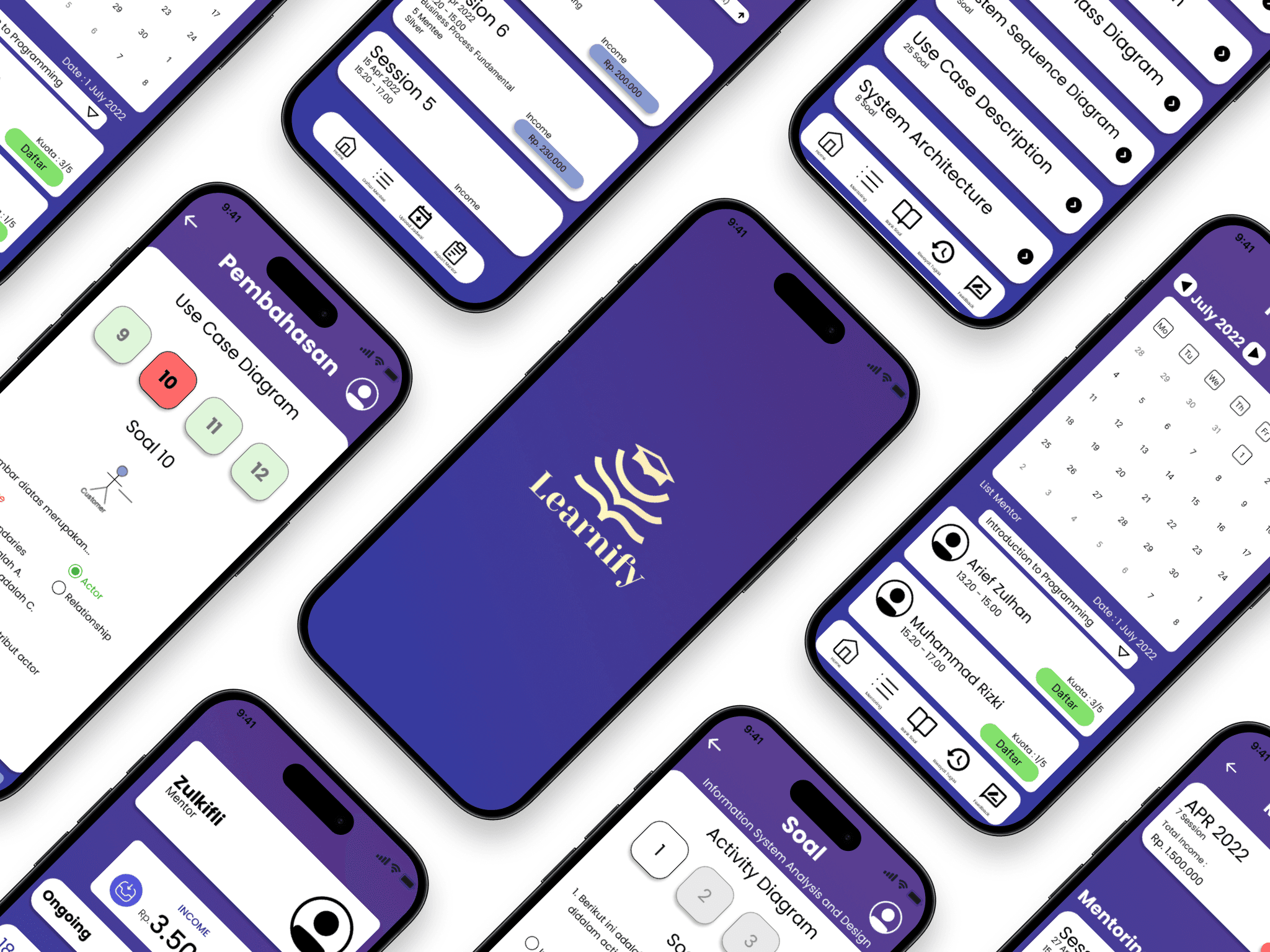
Learnify explores a campus-based mentor–mentee platform. Interviews surfaced a structural problem: the tools used to manage mentorship created friction around the learning itself.
Students and mentors relied on separate tools for messages, materials, and scheduling. Booking required back-and-forth, while learning goals and session history were difficult to track over time.
Users weren’t failing to mentor or learn. They were spending most of their energy managing the logistics of the relationship.
Messages, learning materials, and schedules lived across WhatsApp, email, and shared drives.
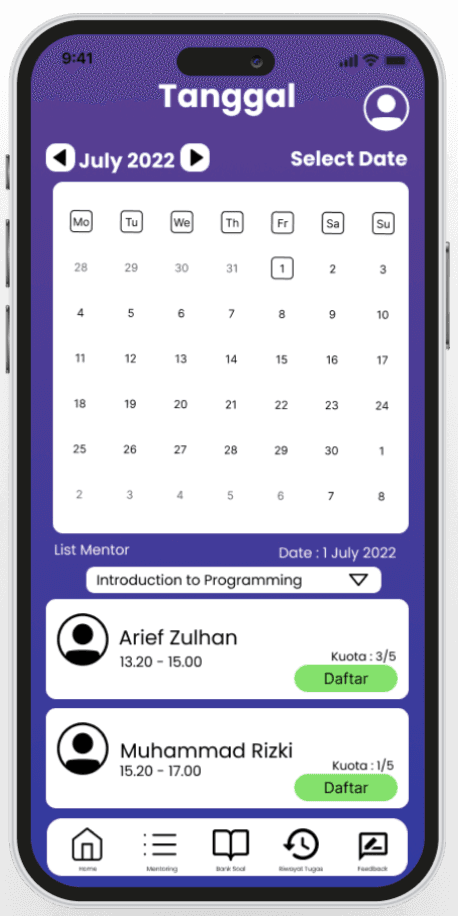
Finding a time meant multiple back-and-forth messages with no clear view of availability.
Mentors and students had no shared way to track goals, sessions, or progress.
Experience goals
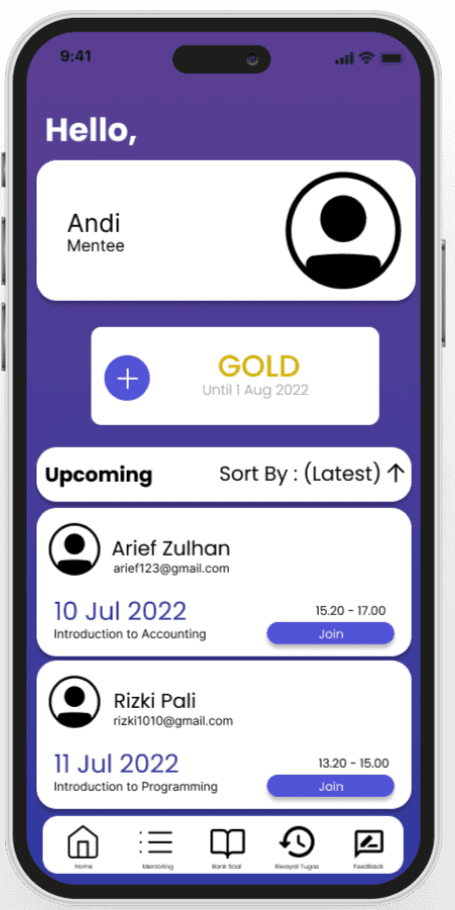
Every core feature needed to work for a mentor and a mentee. The concept focused on helping each person coordinate the learning relationship without losing shared context.
Manage schedules, share materials, and follow mentee progress.
Find a suitable mentor, book sessions, access resources, and receive feedback.
Anchor materials, notes, and progress to the mentoring relationship and its sessions.
Design rationale
Make the logistics of mentoring easier to manage, so mentors and students can focus on learning.
Three structural decisions shaped the concept: distinct mentor and mentee flows, a session-centered layout, and a shared progress dashboard. Together, they keep each role’s tools relevant while connecting the learning activity.
Mentors and mentees get separate views for their needs, backed by shared session information.
Materials, notes, availability, and feedback are anchored to a session record.
Mentors follow development; students see their trajectory and milestones, using the same progress context.
Prototype
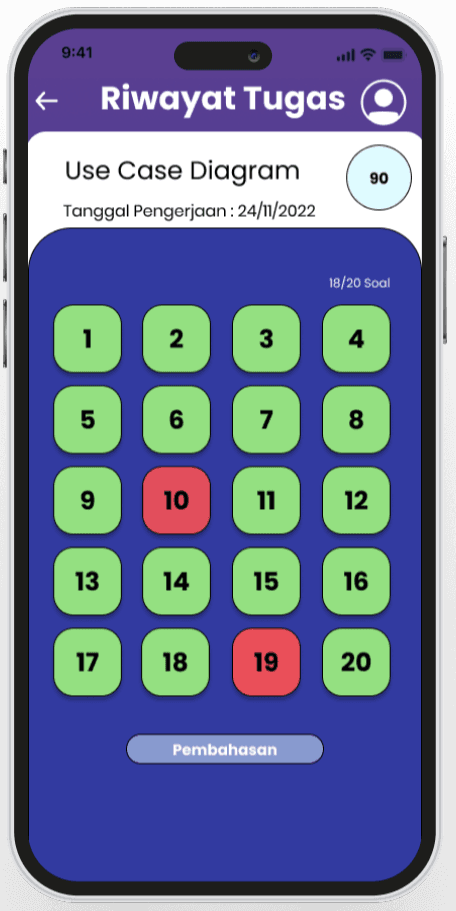
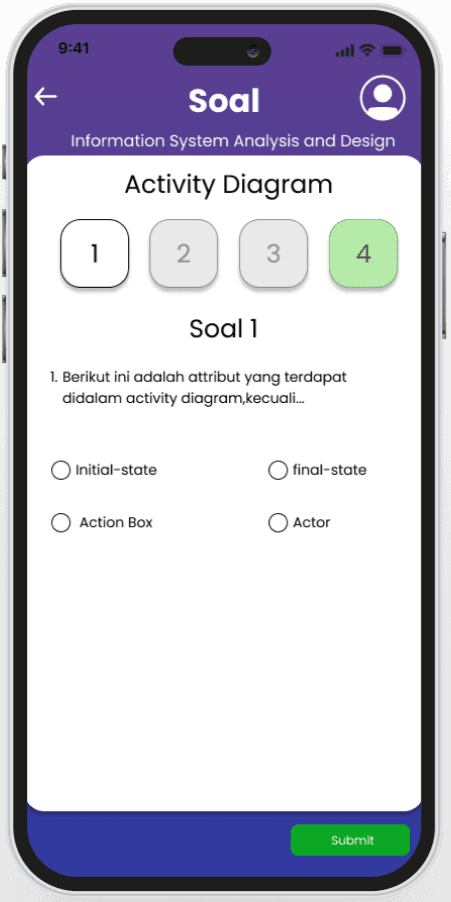
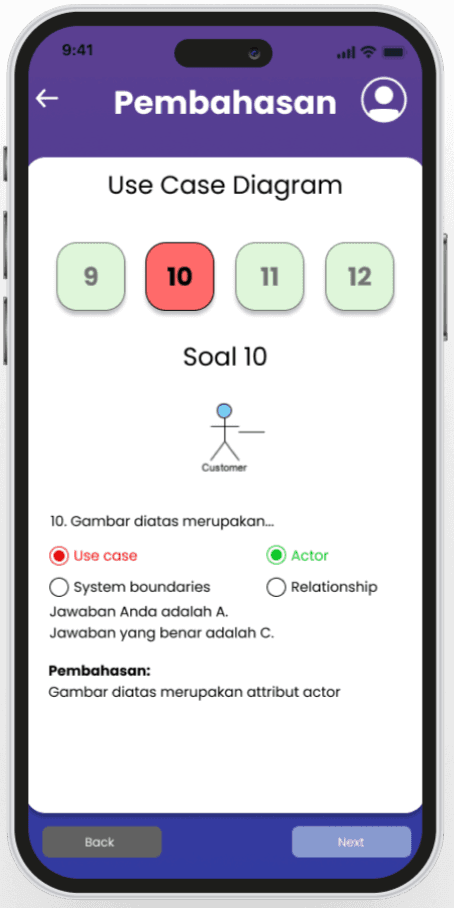
The interactive Figma prototype explores mentor onboarding, session booking, and progress review across the two user roles.
This is a campus project concept. The screens show a proposed experience, not a launched product.
Outcome
The concept brings mentor discovery, session booking, learning resources, assignment history, and feedback into one mobile mentoring experience. Distinct mentor and mentee flows connect through shared session and progress information.
The outcome is a design concept and prototype; no production adoption or performance results are available.